Students visit the website https://next.nurse.cmu.ac.th

On the homepage, they click Get Started button

Log in using their CMU Account
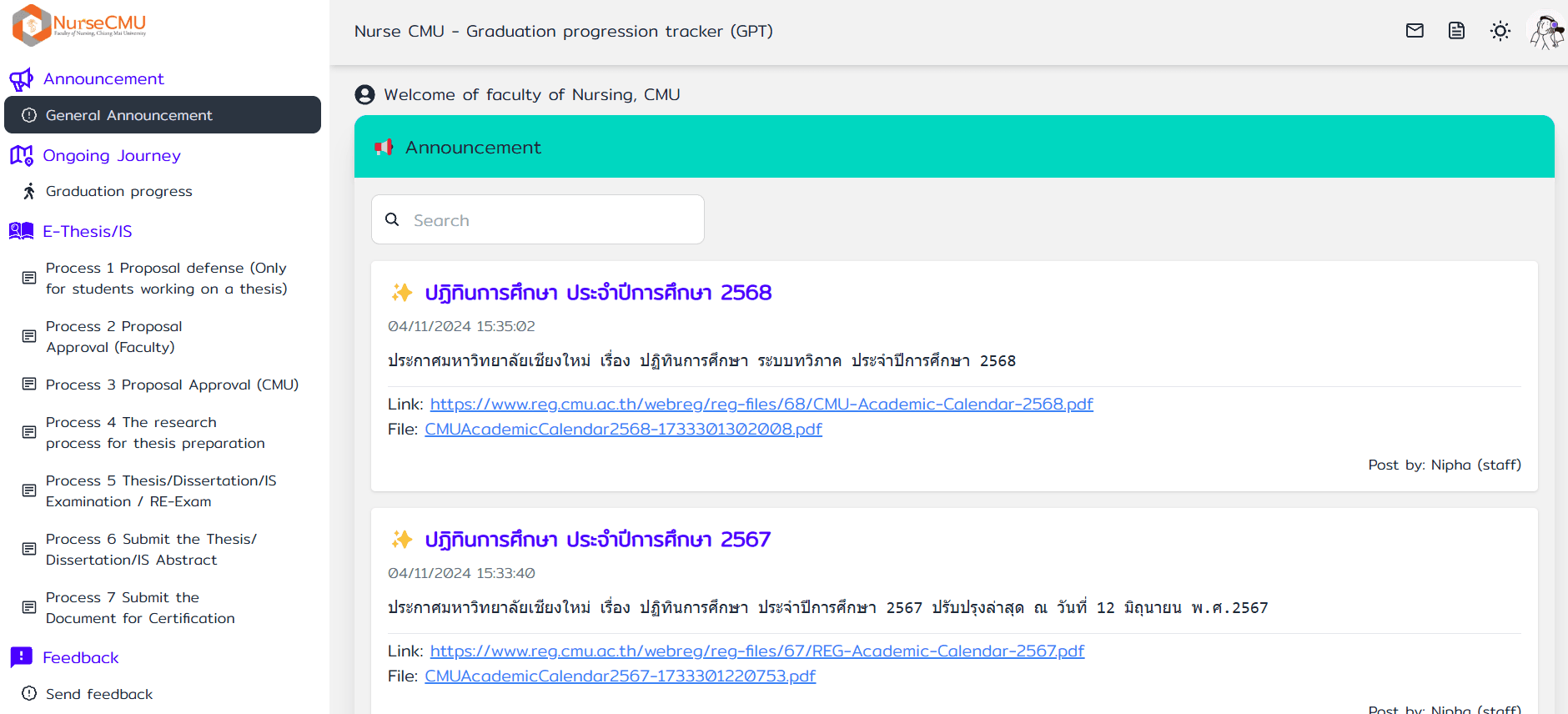
Once you log in, a page featuring the latest news and announcements will appear
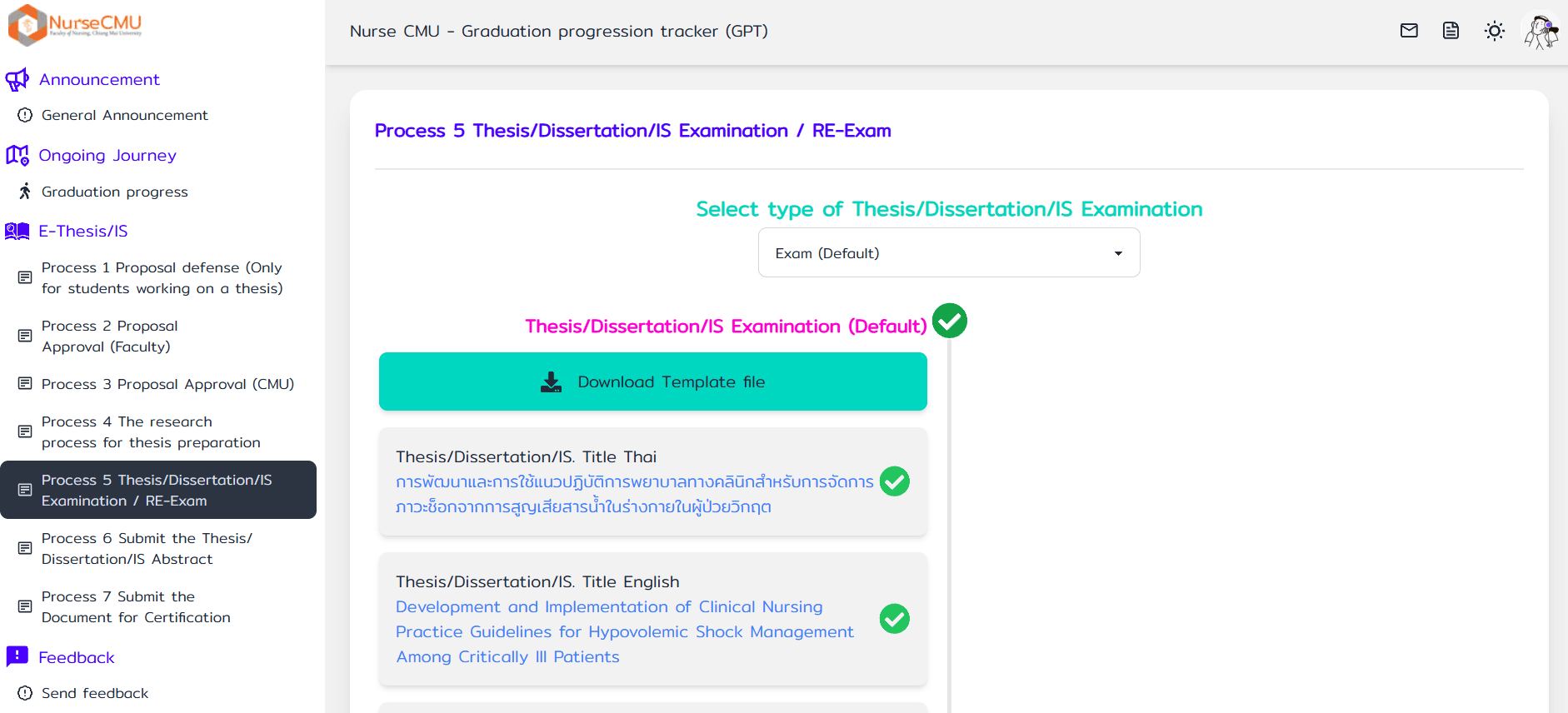
In the left sidebar, select Process 5 Thesis/Dissertation/IS Examination / RE-Exam menu
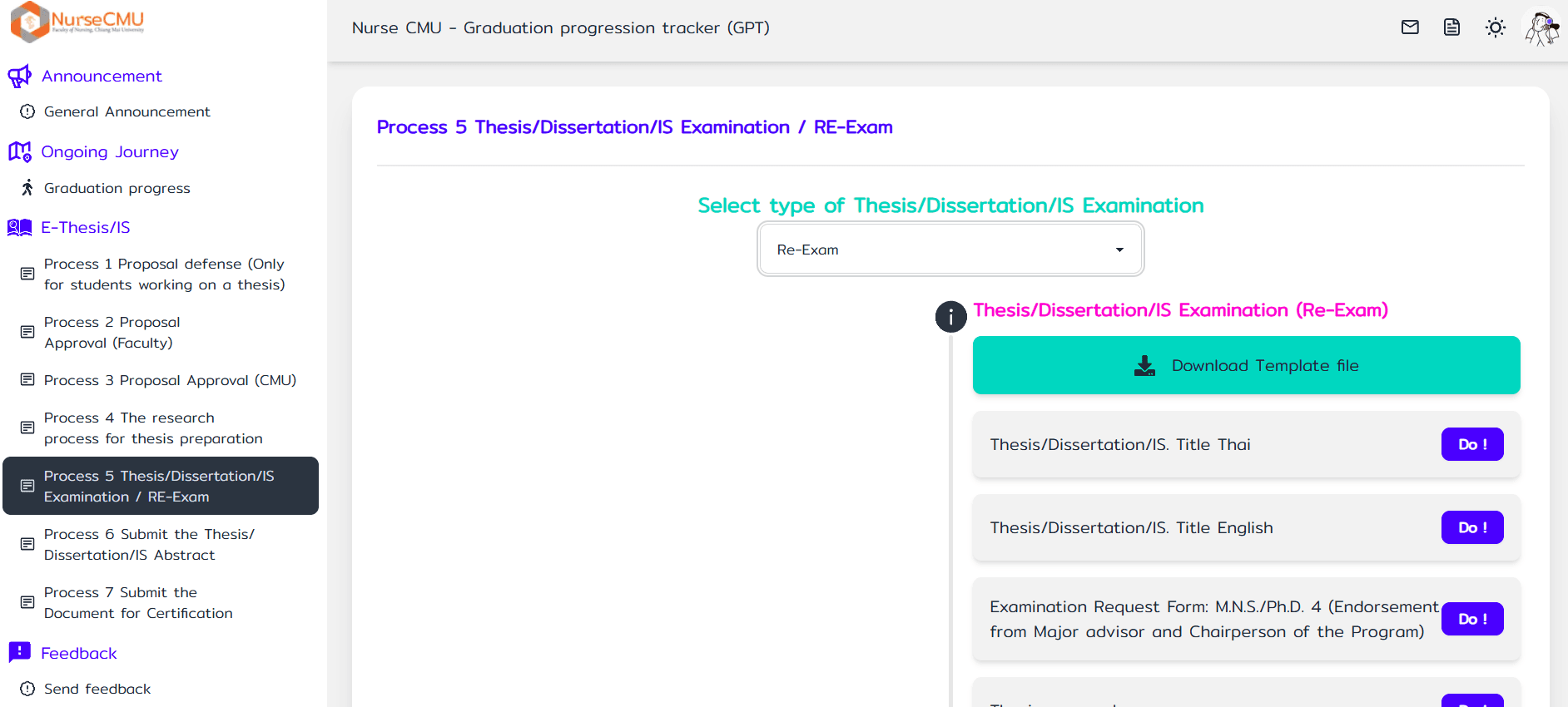
Select the Thesis/Dissertation/IS Examation type, choosing whether they will pursue a Exam or RE-Exam.
View the complete list of tasks and click the 'Do!' button to take action.
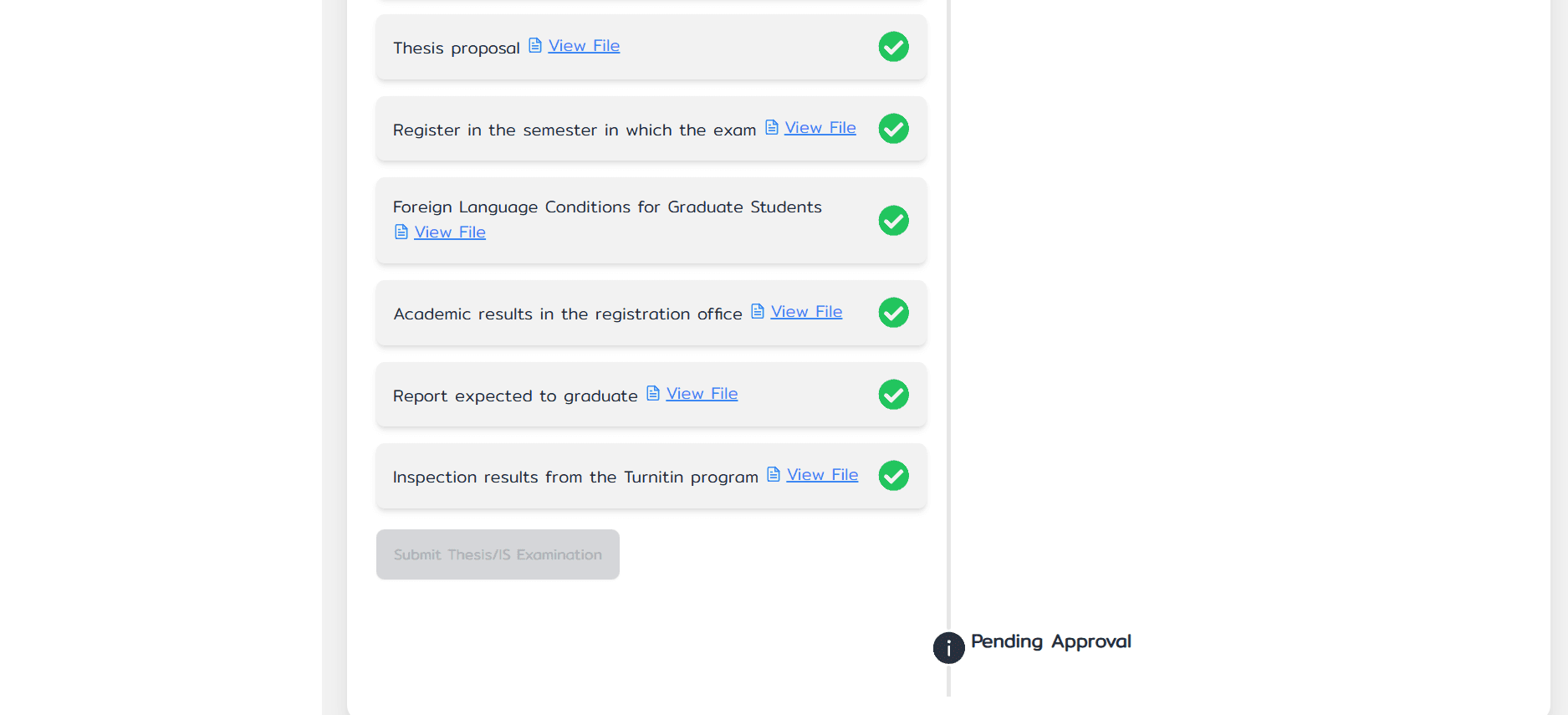
After submitting the request, the system will display a 'Pending Approval' message.
During this time, if any revisions are required, the staff will contact the student to make the necessary corrections until completion.

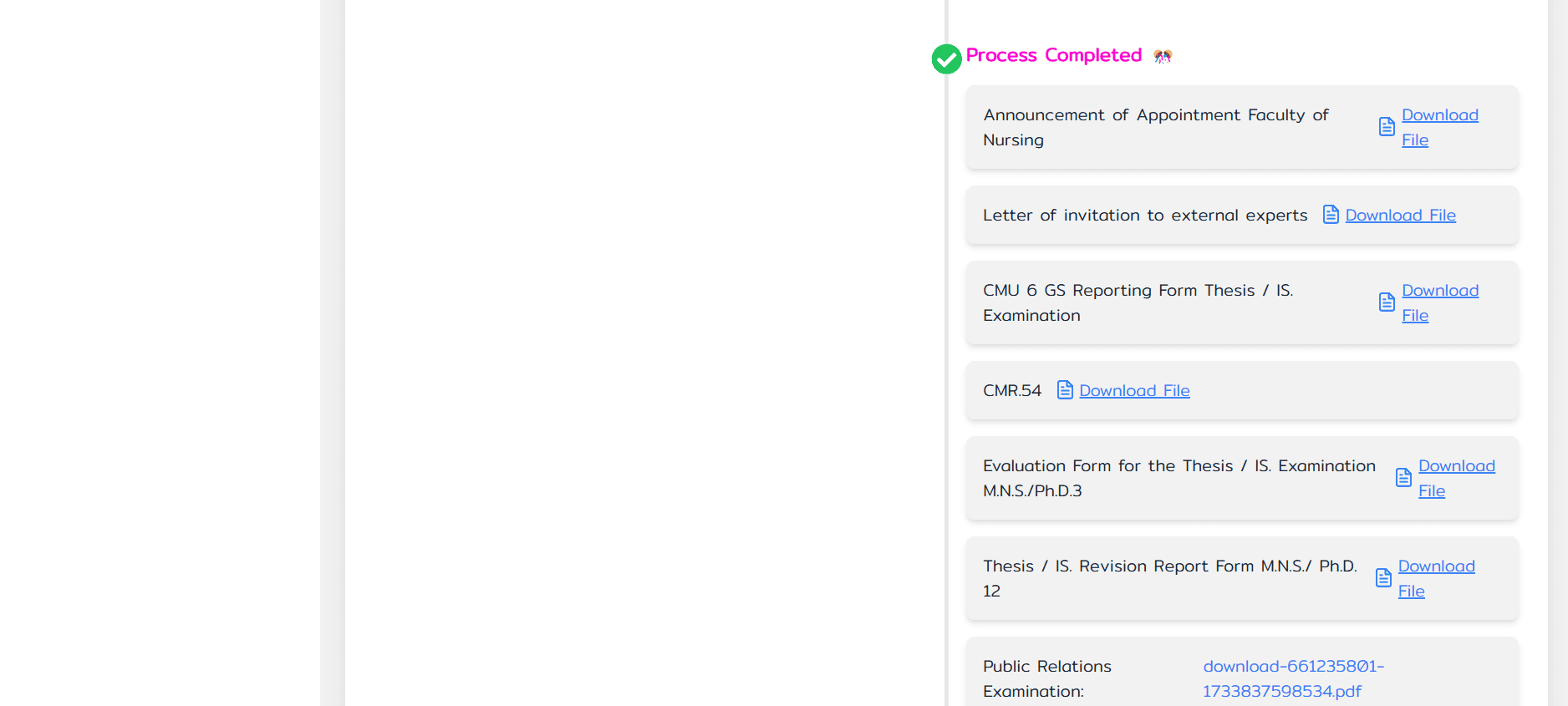
Once the review is complete, both the student and the faculty members will receive a reply email from the staff.
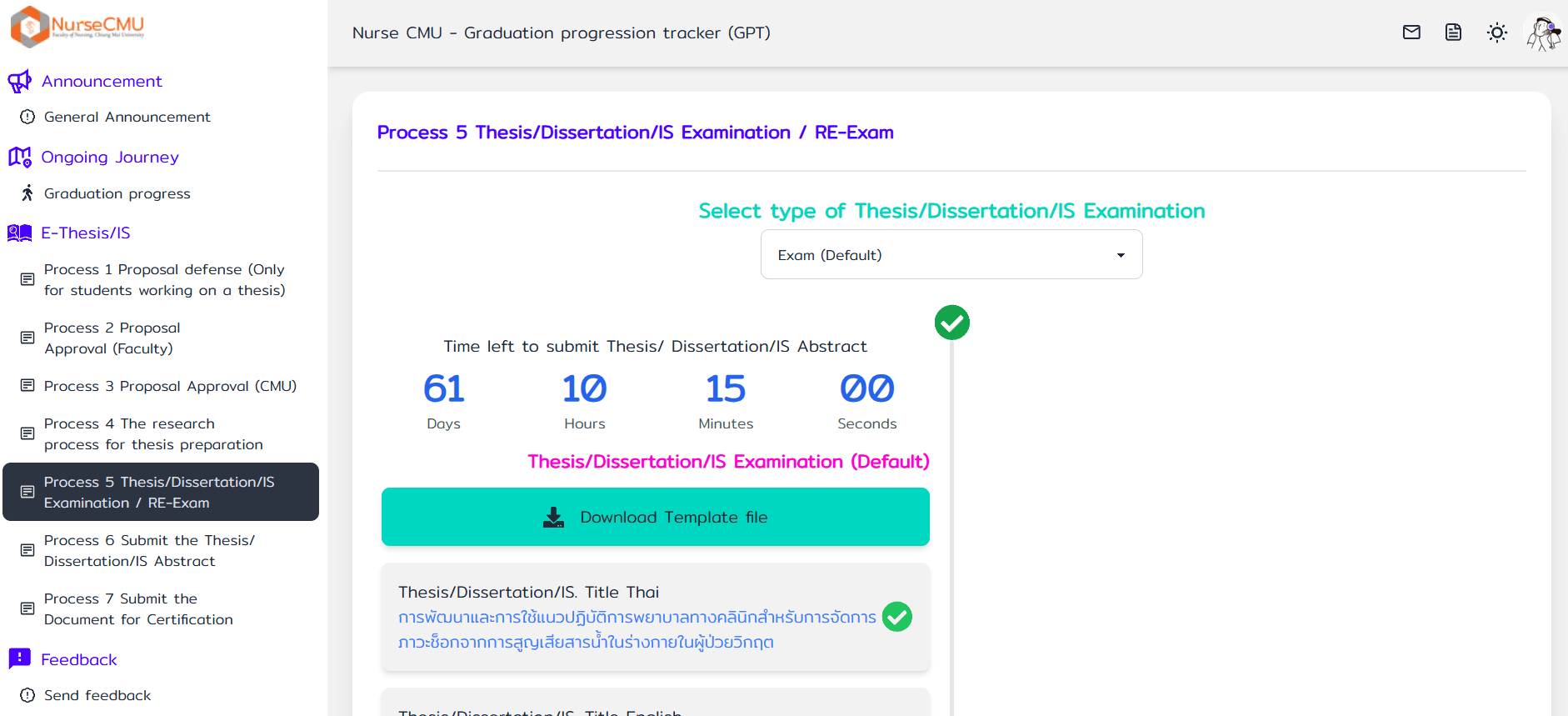
The student can view the results in the system and see the remaining time for the next step. (60 days after the exam)
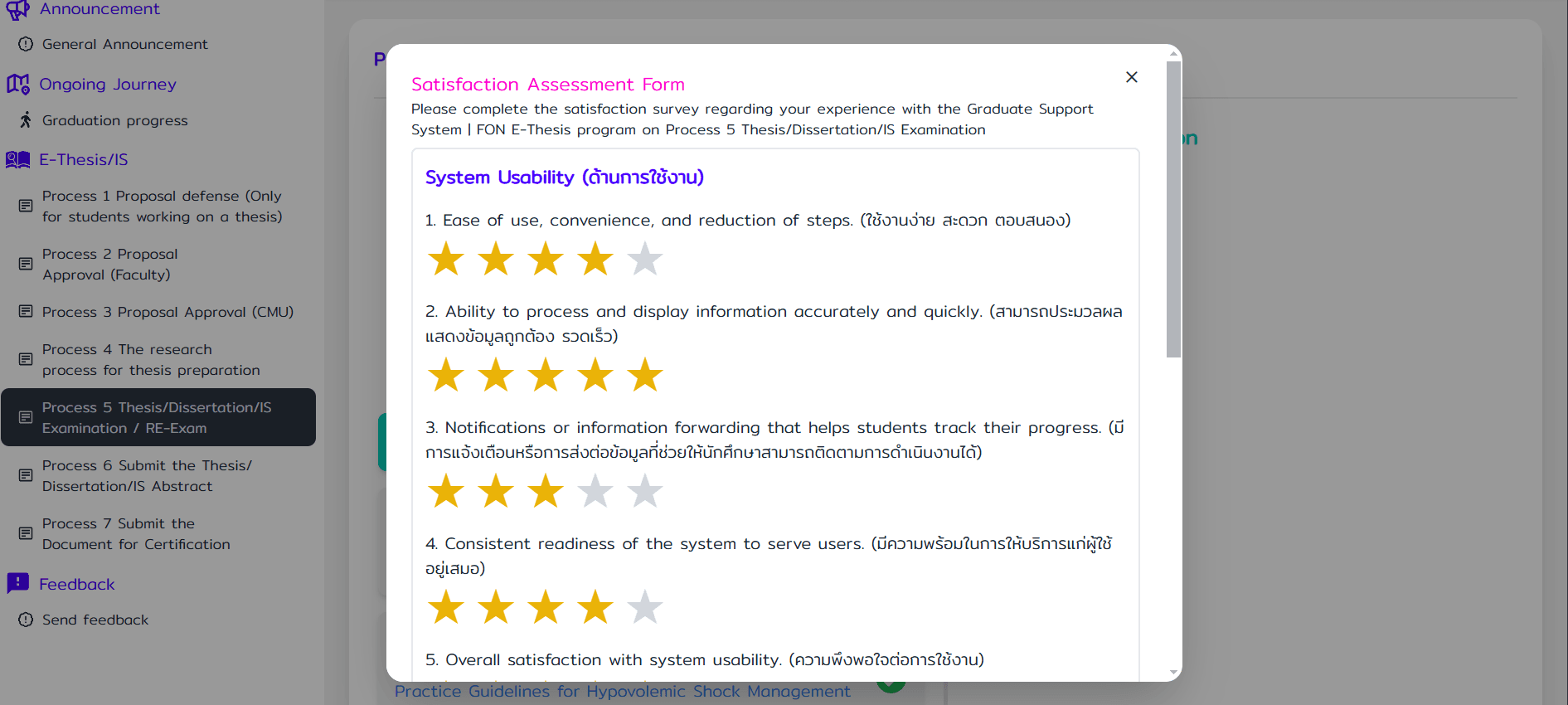
The student filled out the satisfaction assessment for process 5